


Free
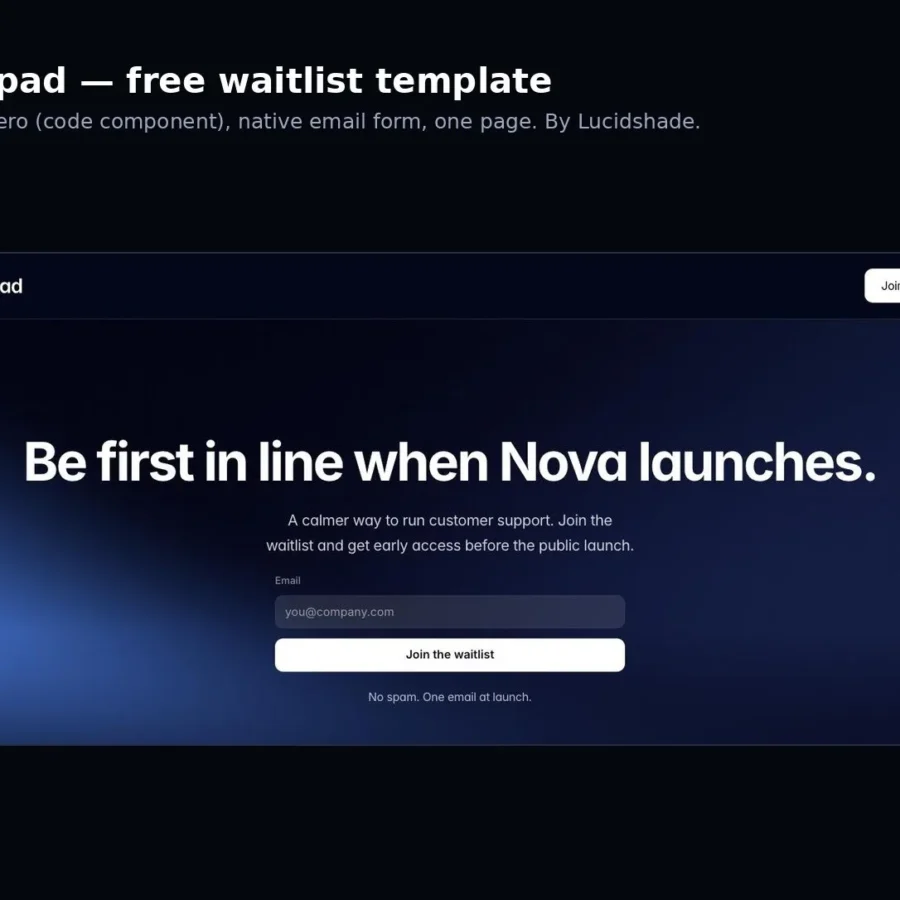
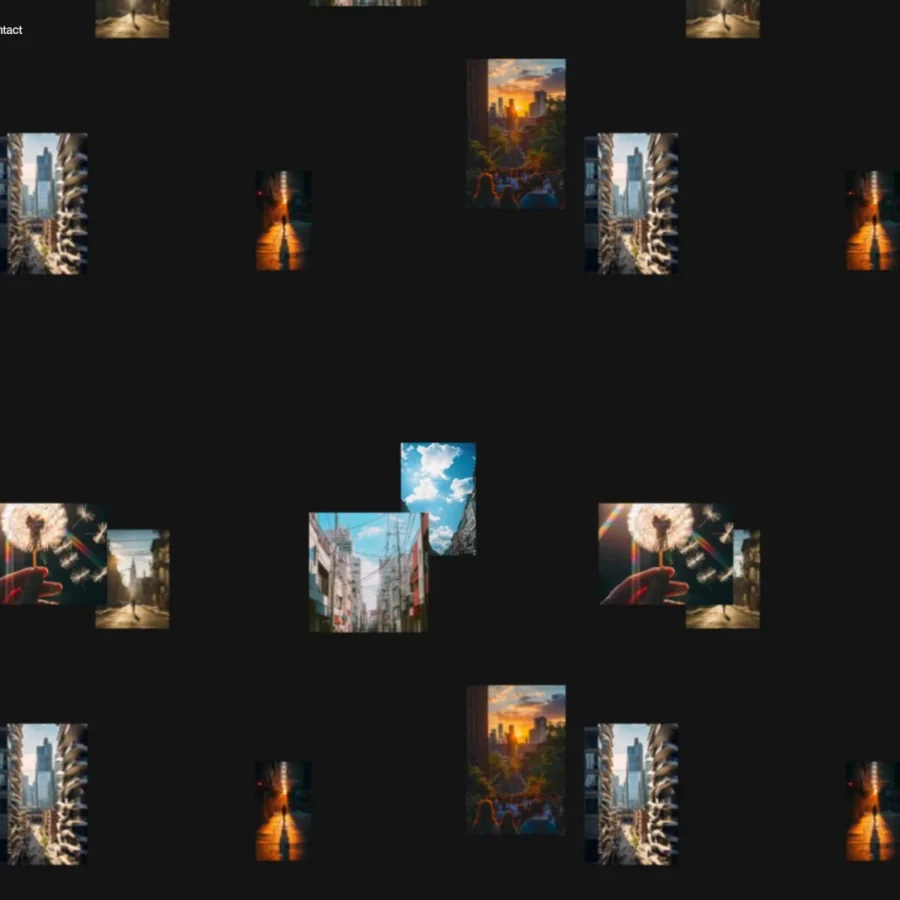
Free one-page waitlist template for Framer: live WebGL hero, native email form, three feature cards and a 404.

 19
19
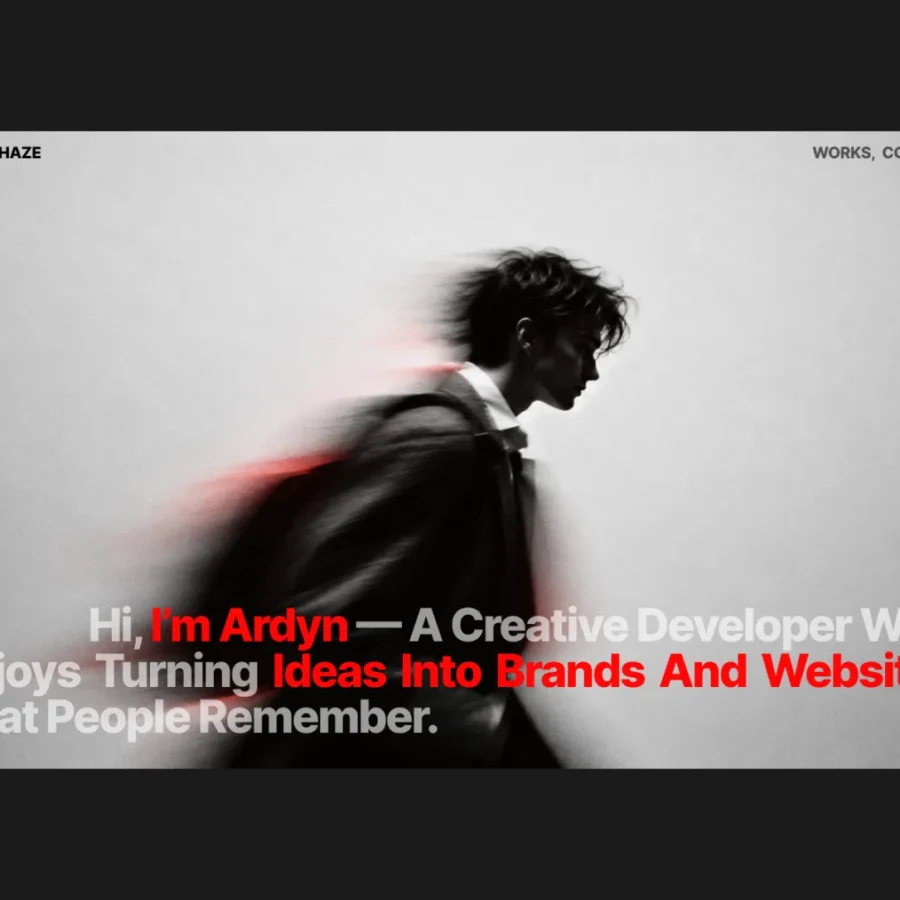
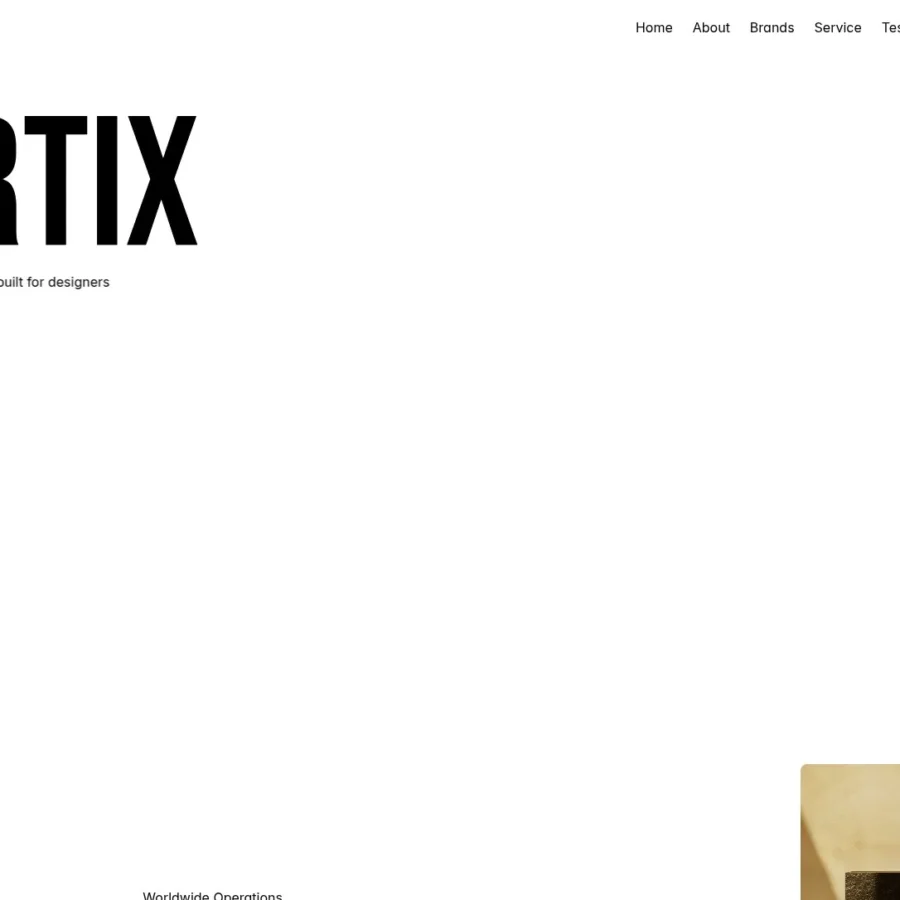
A bold, minimal portfolio template for designers, developers, and creatives. Featuring striking typography, CMS-powered project pages, and easy customization, Ardyn gives you everything you need to showcase your work and build your online presence. Includes a domain setup guide to help you get your portfolio live.
47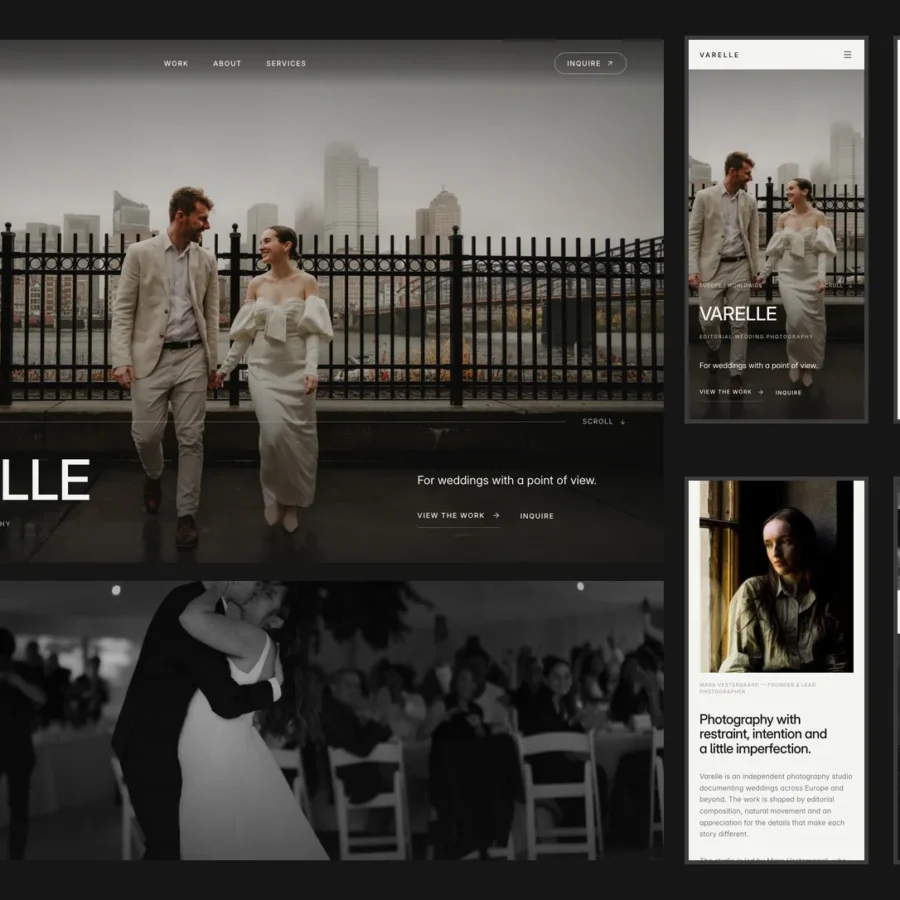
Varelle is a one-page portfolio for wedding photographers who shoot editorial, documentary-style weddings. Cool, atmospheric and calm, so the photos carry the page and the enquiry button is always close.
44
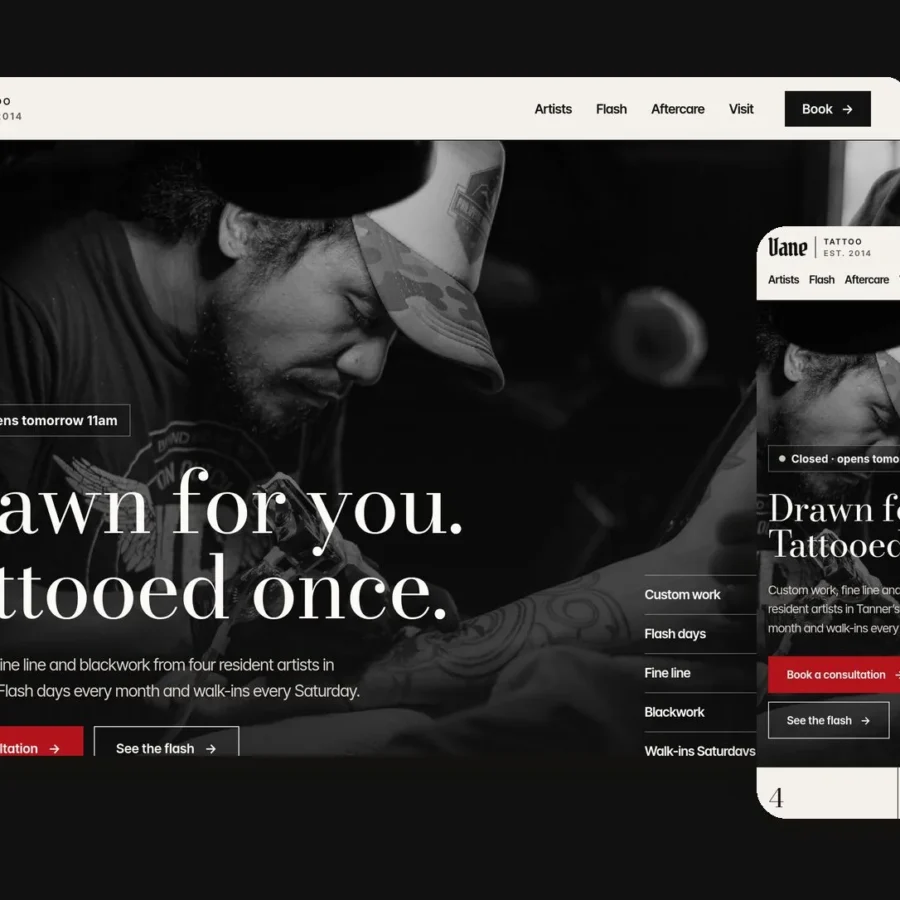
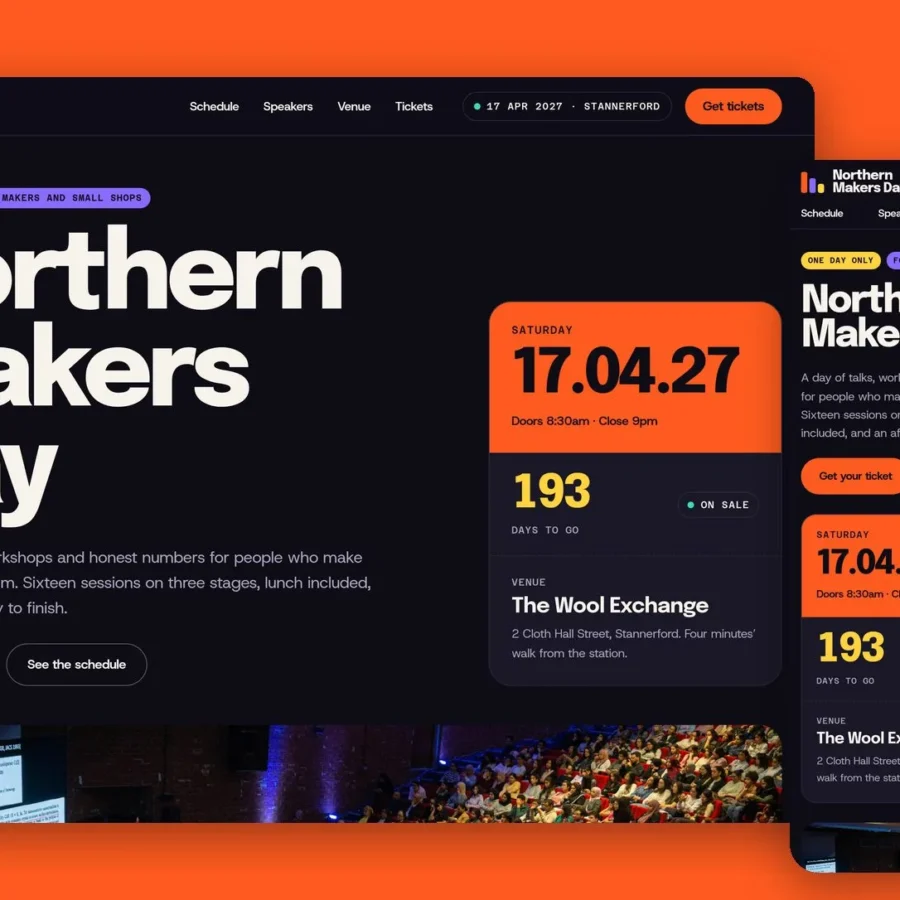
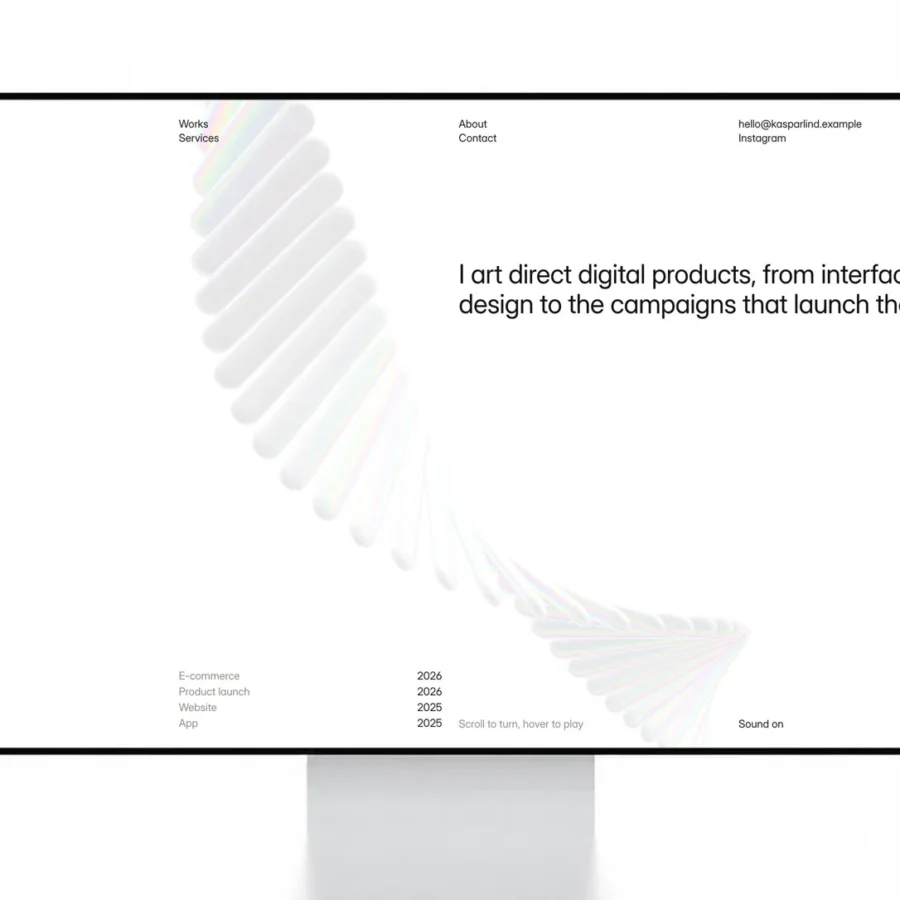
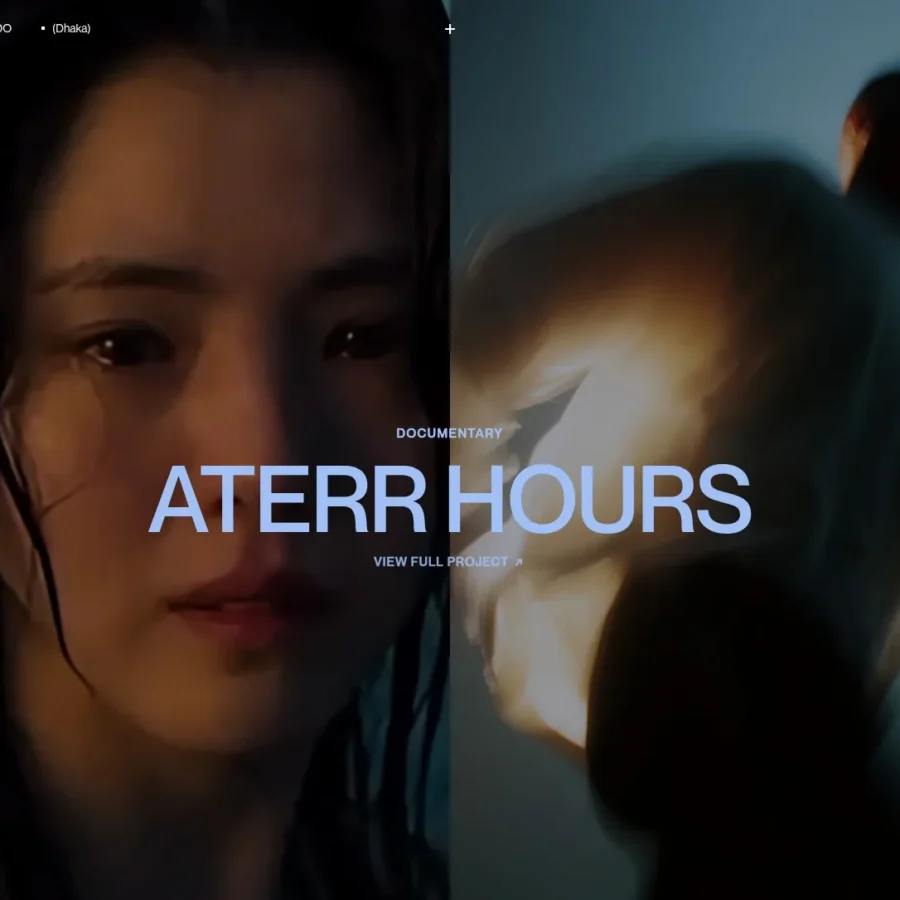

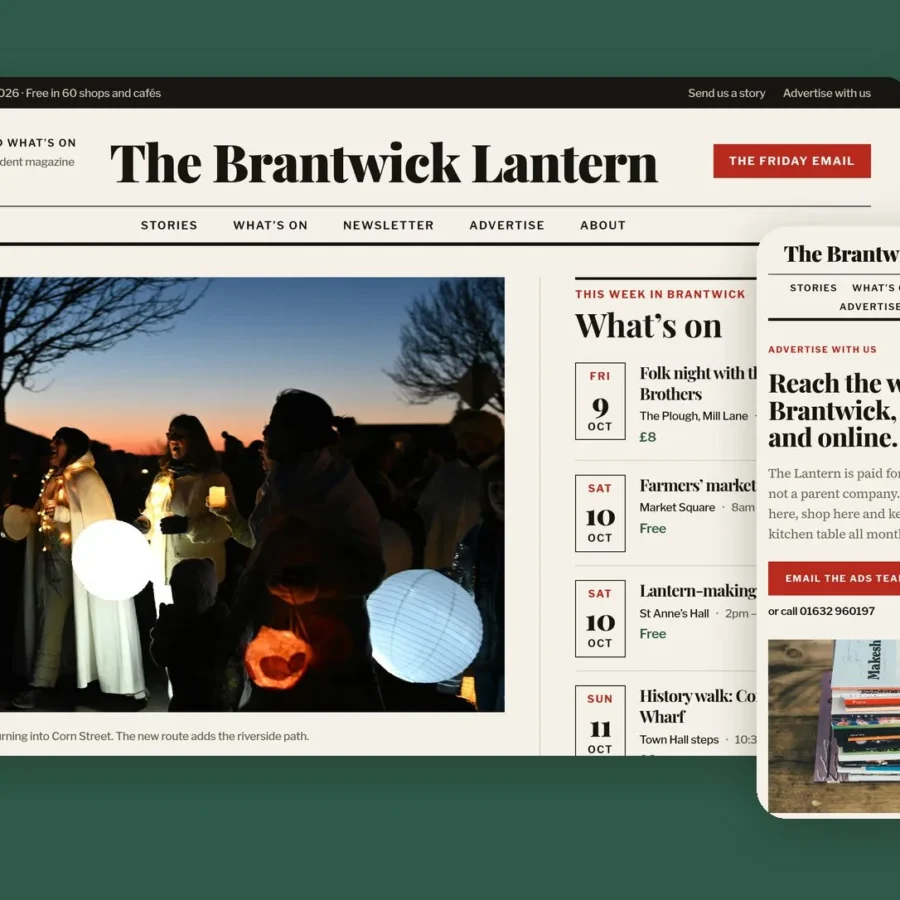
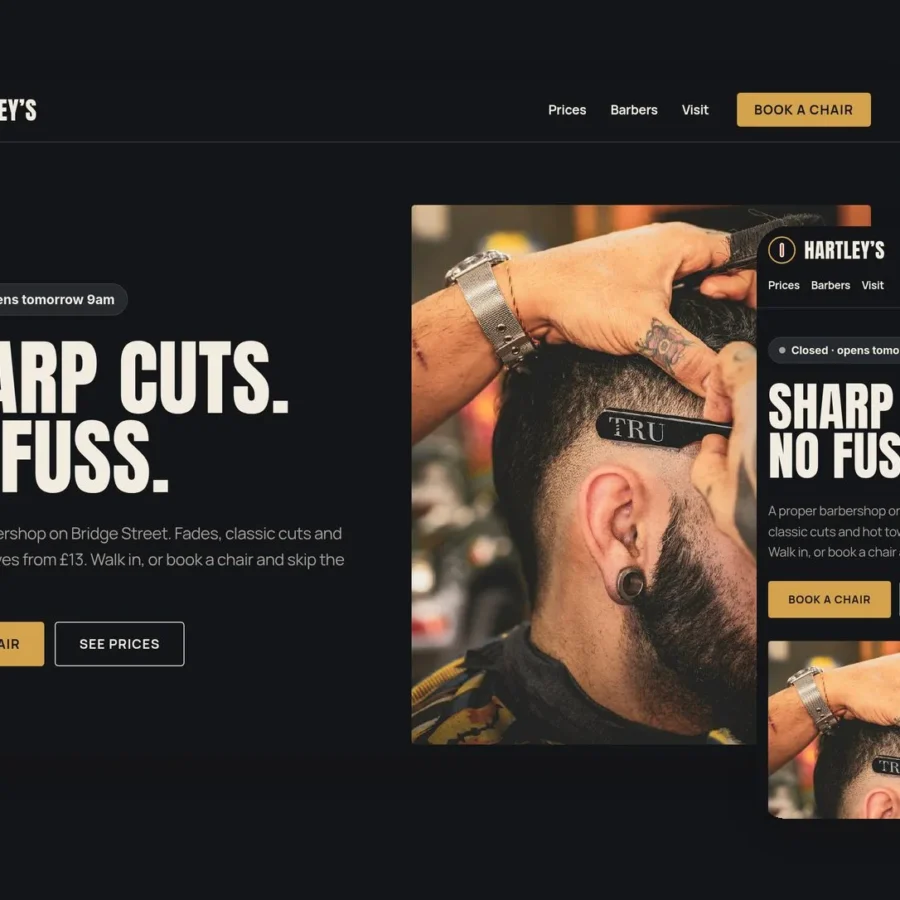
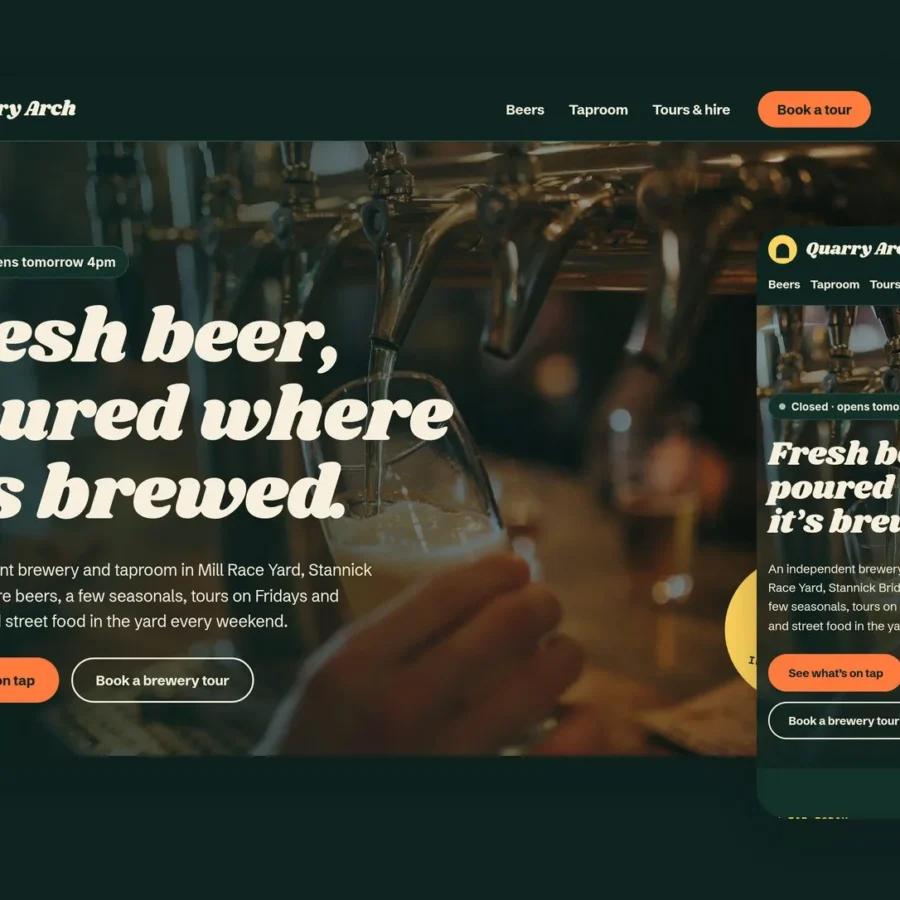
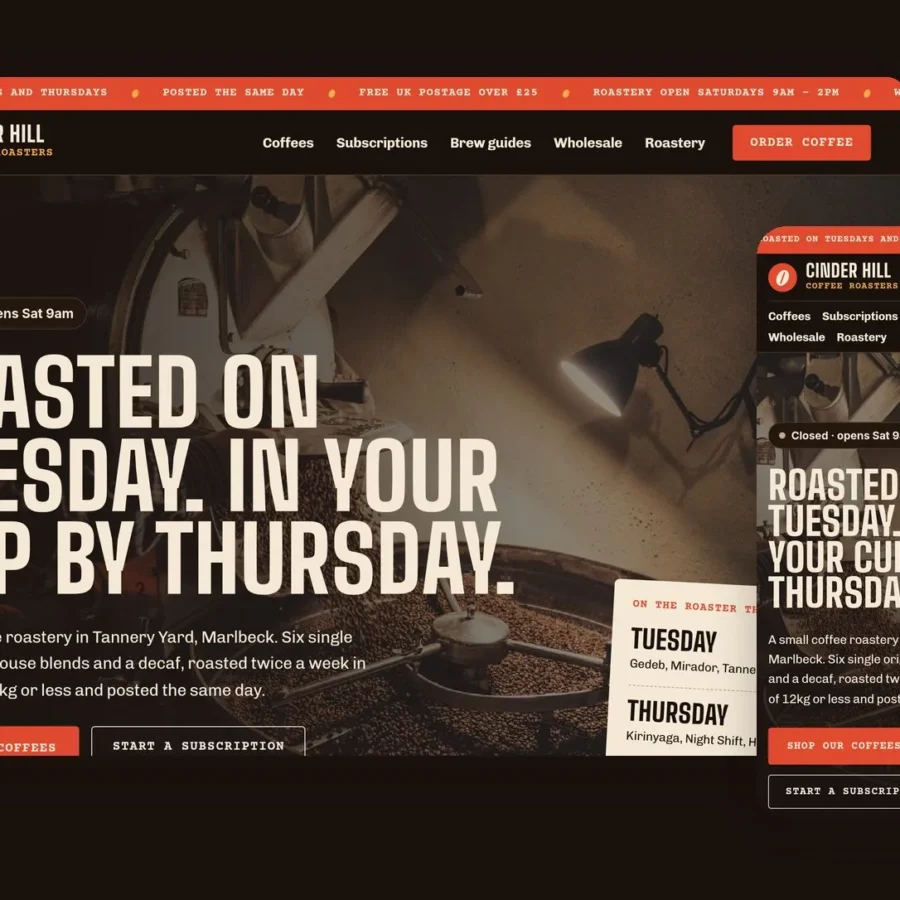
Free Framer templates: what you get and how to choose
Every template in this collection can be remixed into your Framer account at no cost. Click a template to see a live preview, then use the "Use for Free" button to copy the full project – pages, components, animations and CMS collections – into your own workspace.
Free does not mean basic. Many of these templates are made by the same designers who sell premium ones, and they ship with responsive breakpoints, light and dark modes, blog or portfolio CMS, and contact forms. What you usually give up is breadth: fewer pages, fewer section variations and less documentation than a paid template.
Remixing a template is free, but publishing on a custom domain needs a paid Framer site plan. You can build and test everything first and only upgrade when you are ready to go live.
How to choose the right template
- Start from your content, not the style. A portfolio with ten case studies needs a CMS-driven project layout; a one-page landing page does not.
- Open the live preview on your phone. Most traffic is mobile, and some templates look much better on desktop than on small screens.
- Check which pages are included. Pricing, blog, about and contact pages save hours compared with designing them yourself.
- Look at the creator. Designers with several templates tend to keep them updated as Framer adds features.
Frequently asked questions
Are free Framer templates really free?
Yes. Remixing a free template into your Framer account costs nothing. You only pay Framer if you want to publish the site on your own custom domain or need features from a paid site plan.
Can I use a free Framer template for a client project?
Usually yes, but license terms are set by each template creator. Check the template page on the Framer Marketplace or the creator's site before using it for commercial client work.
What is the difference between free and premium Framer templates?
Premium templates typically include more pages, more section variations, advanced CMS setups and creator support. Free templates are often smaller in scope but are still fully editable and responsive.
How do I edit a free Framer template?
Click "Use for Free" to remix it into your Framer workspace, then edit text, images, colors and layout directly on the canvas. CMS content such as blog posts or projects is edited in the CMS panel.
