


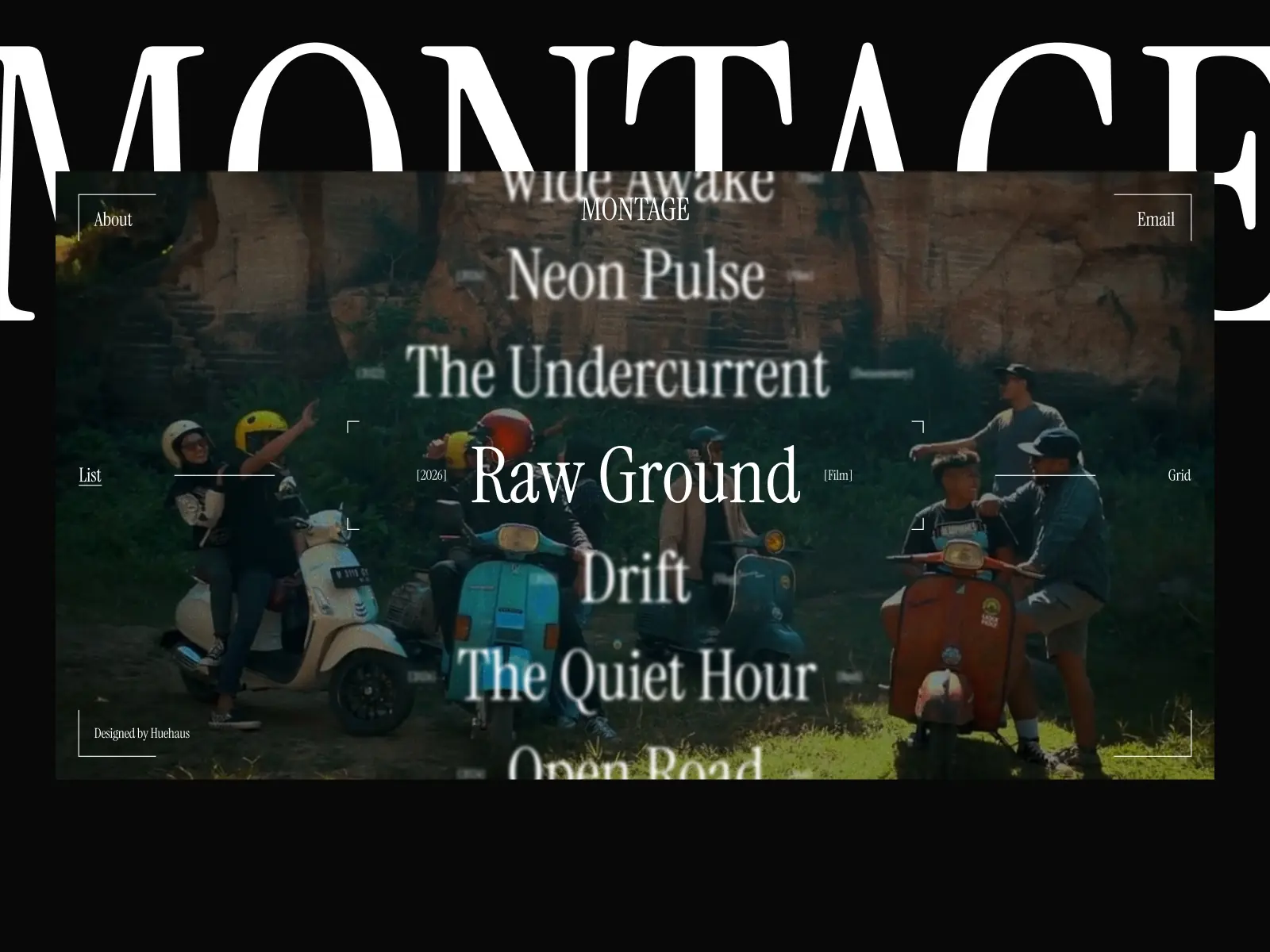


Montage is a video-first Framer template for filmmakers, directors, and video studios. Hover-to-play previews, snap scroll that keeps every project center stage, list and grid view modes, and a cinematic UI inspired by the camera itself.
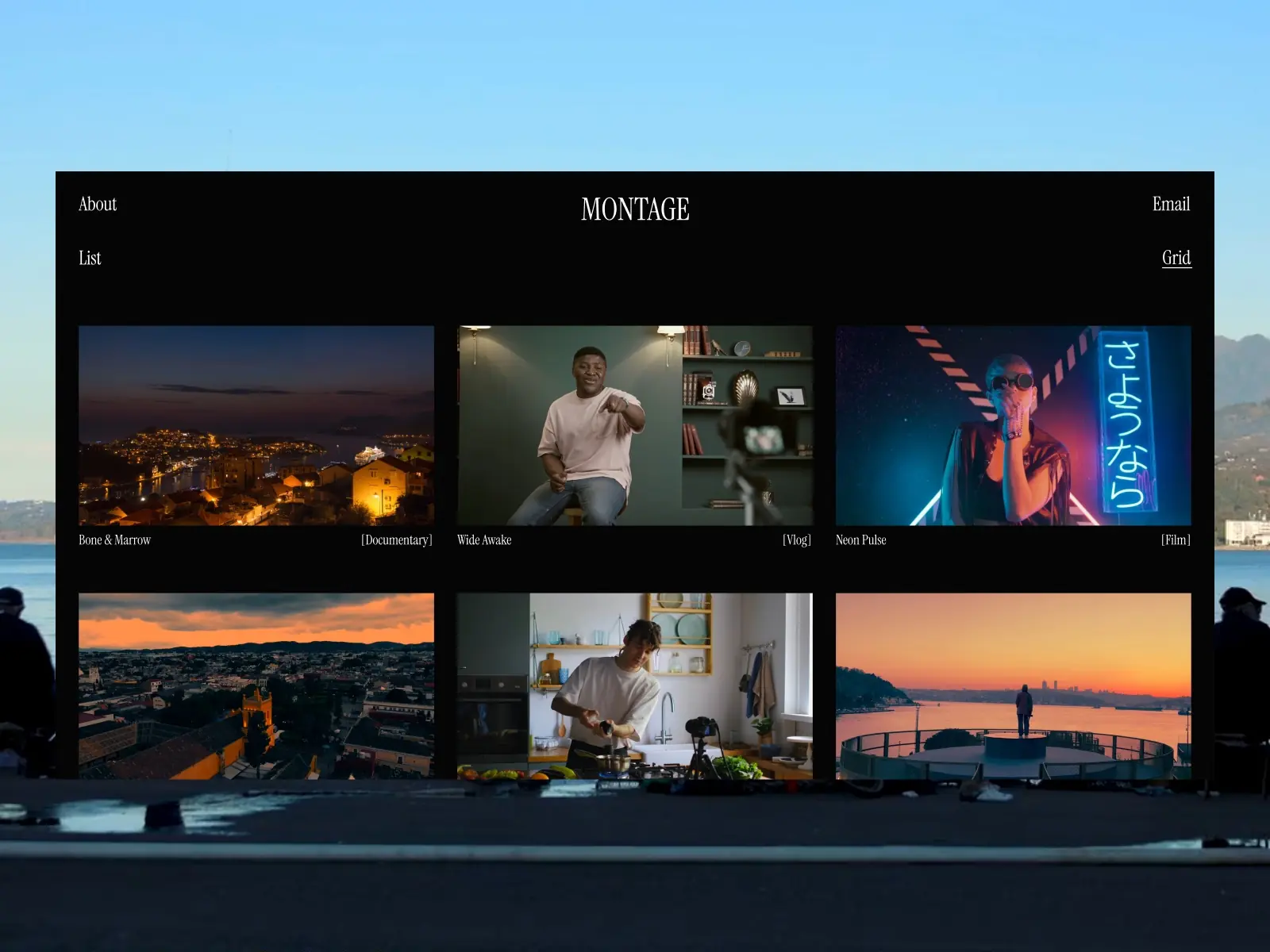
Montage is designed for motion-focused creatives with one clear goal in mind: pulling visitors into your footage with as little friction as possible. The project list launches looping video previews on hover, meaning your work is already in motion before anyone makes a single click.
The template borrows its visual identity from camera interfaces, from the type choices to the structural grid, building an environment that feels genuinely rooted in the world of film rather than simply inspired by it. A distinctive snap-scroll feature holds each project front and center as visitors move through the archive, so every piece of work is fully seen rather than glossed over. Dark as a default, sharp by intention.
Hover-to-Play Video Previews: Within the project list, hovering over any row activates a looping video preview, giving visitors an instant look at your work without ever navigating away from the page.
Two Portfolio View Modes: Switch between a List view and a Grid view for the complete project archive, allowing visitors to browse whichever format feels most natural to them.
Snap Scroll: A distinctive snap scroll feature locks each project squarely in view as visitors browse, making sure every piece of work has its full moment before the next one comes into frame.
Camera-Inspired UI: The structure, typography, and finer design details are drawn straight from camera interface aesthetics, producing a site that genuinely feels at home in the filmmaking world.
Film-First Layout: Individual project pages lead with full-screen video, framed only by the project title, year, and category. Nothing else competes with the footage.
CMS-Ready Project System: Every project connects directly to the CMS with fields for title, year, category, and video, making it straightforward to add new work in just a few minutes.
Projects List: A hoverable, video-rich overview of all projects with year and category metadata displayed inline for quick reference.
Projects Grid: An alternate grid layout for browsing the same archive, easily accessible through a toggle in the navigation menu.


